


De ce Inacode?
- Adaptat nevoilor tale
- Site de prezentare rapid și responsive
- Ușor de utilizat și de gestionat
- Optimizare SEO și social media
- Servicii premium
- Livrare rapidă
- Consultanță și training
- Zeci de clienți fericiți
Crearea unui site de prezentare sau de vânzare este absolut necesară pentru creșterea numărului de clienți
Ofer rezultate
Când alegi Inacode, nu angajezi doar un freelancer, ci ai un partener profesionist dedicat, alături de tine la fiecare pas. Succesul tău este prioritatea mea principală și garantez livrarea la timp, un site de calitate și o soluție distinctă pentru brandul tău.
Servicii oferite
Produse potrivite afacerii tale
Site de prezentare
Site web pentru orice profil. GDPR, analiză trafic, intregrare social media.
Magazin online
E-shop cu modul de plată online și livrări. Rapid, ușor și sigur.
Administrare site
Soluții profesionale de administrare site web sau magazin online. Abonament mentenanță.
Promovare și SEO
Marketing pe social media, SEO, newsletters, și campanii reclame.
Branding și design
Identiatea vizuală, logo, grafică publicitară, materiale campanii.
Audit și optimizare
Analiză de design, viteză și optimizări SEO. Consultanță gratuită!
Consultanță gratuită
Analiză de piață a publicului și competitorilor. Strategii inteligente.
Implementare GDPR
Conformare GDPR, implementare cookies și termeni de utilizare.
Hosting și domenii
Găzduire web, email și backup. Înregistrare domenii ro, com și eu.


Prețuri
Investiții accesibile pentru a-ți dezvolta afacerea.
Transformă-ți vizitatorii site-ului în clienți cu ușurință!
Site de prezentare
de la
3000 Lei
- Plata in 2 rate
- Până la 10 pagini
- Design conceptual de logo
- Optimizat pentru mobil
- SEO on-site
- Formulare de contact
- Google Maps Profile
- Galerii de imagini și video
- Integrarea rețelelor sociale
- Modul GDPR
- Google Analytics
- Modul de administrare site
- Backup și actualizări
- 3 luni de găzduire gratuita
- 1 lună mentenanță gratuită
- Modul programări online
- Modul comenzi restaurant
Magazin online
de la
5000 Lei
- Plata in 2 rate
- Până la 100 produse
- Design conceptual de logo
- Optimizat pentru mobil
- SEO on-site
- Formulare de contact
- Google Maps + Shopping
- Galerii de imagini și video
- Sincronizarea rețelelor sociale
- Modul GDPR
- Google Analytics
- Modul de administrare site
- Backup și actualizări
- 6 luni de găzduire gratuita
- 1 lună mentenanță gratuită
- Import produse din Excel
- Modul de plată cu cardul
- Modul generare AWB
Alte servicii
la prețuri accesibile
- Refacere/redesign site
- Produse/pagini nelimitate
- Consultanta și promovare
- Formulare personalizate
- Suport în mai multe limbi
- Modulul de chat online
- Modul accelerare site
- Modul comenzi restaurant
- Modul de programări
- Modul de livrări curier
- Modul afiliere e-shop
- Conectare social media
- Modul de gestionare stoc
- Email newsletter
- Design cărți de vizită
- Găzduire dedicată
- Servicii de întreținere
- Instruire și suport
Numere care vorbesc
Întotdeauna la curent cu tehnologiile în continuă evoluție
Alătură-te poveștilor de succes devenind client Inacode
Design web, soluții de comerț electronic, analiză și marketing pe rețelele sociale
Întrebări frecvente
Ofer transparență deplină fără compromisuri în furnizarea serviciilor.
Vin cu soluții specifice pe termen lung și îți ofer un produs la standard înalt care să mă recomande în continuare. Fiind freelancer înseamnă că satisfacția ta este prioritatea principală, deoarece fiecare client este important. Mă implic pe deplin și țin la fiecare proiect.
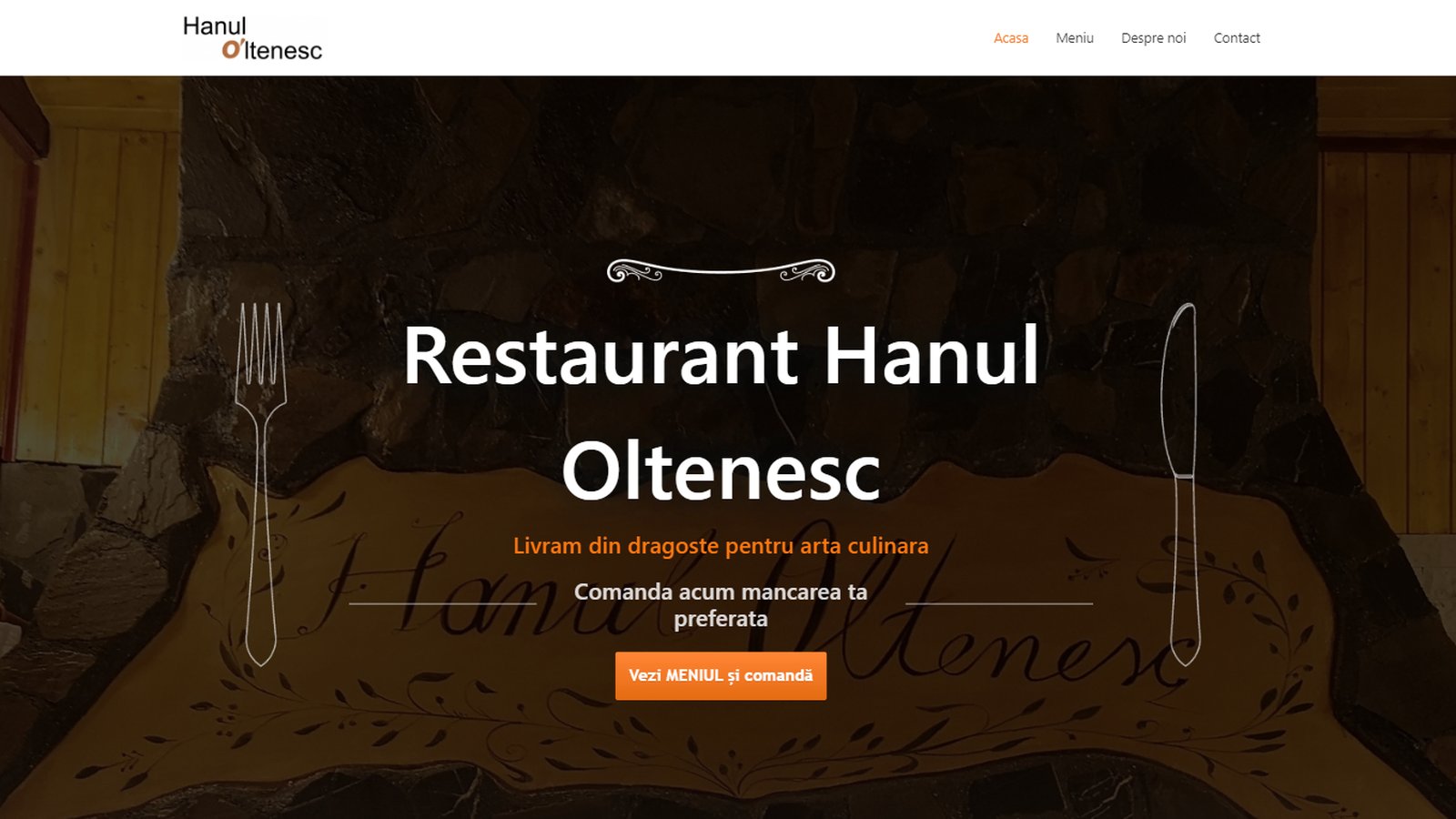
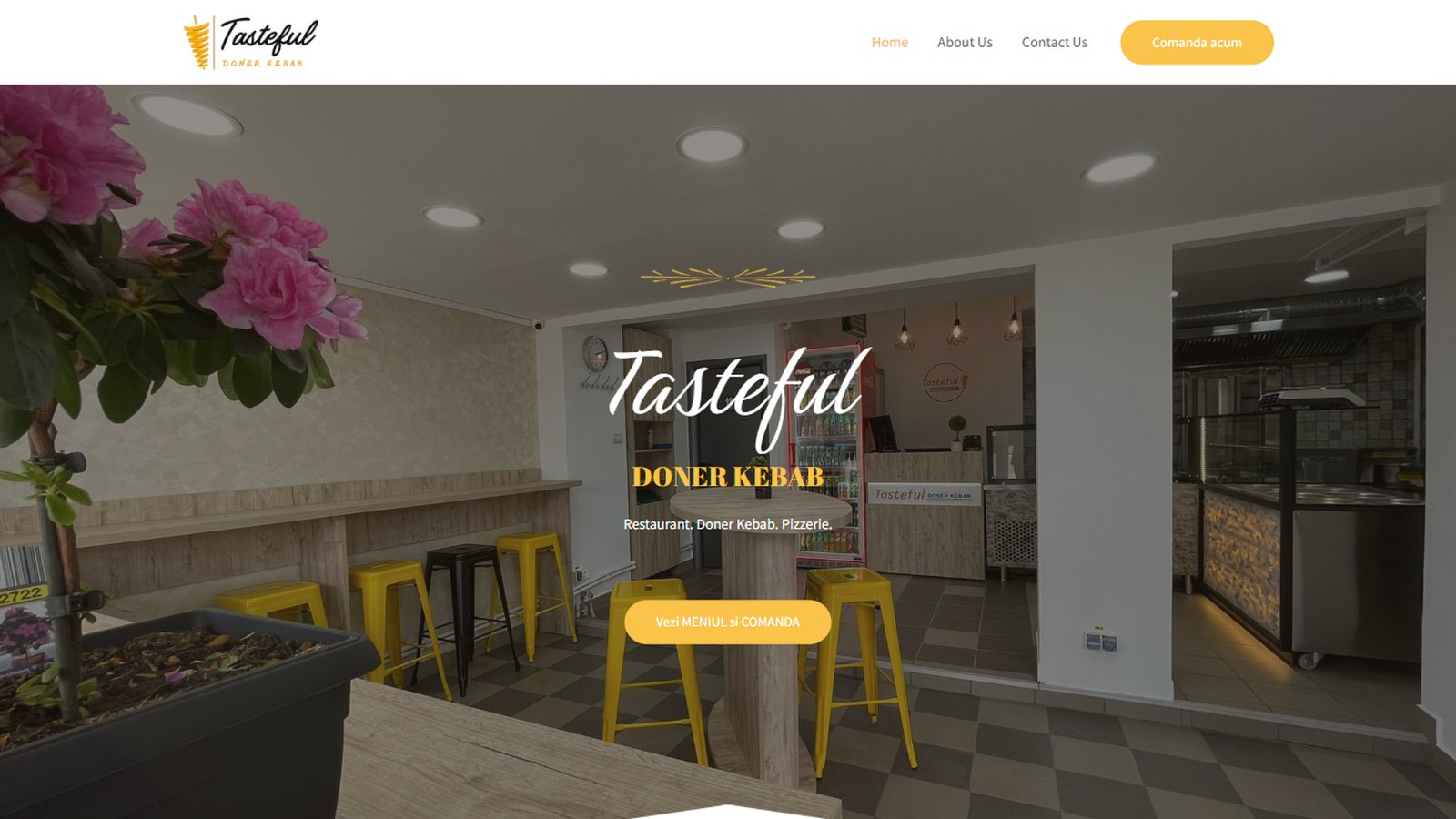
Ofer o gamă largă de opțiuni: site de prezentare pentru servicii, magazin online, soluții pentru restaurante cu modul de livrare, portaluri pentru ospitalitate cu modul de rezervări, site de anunțuri etc.
Un web site de prezentare durează de obicei aproximativ 2-3 săptămâni, magazinele online durează ceva mai mult. Durata proiectului depinde de complexitatea acestuia, numărul de pagini/produse și cât de repede primesc informațiile solicitate de la tine.
Tipic sunt necesare informațiile despre companie, o pagină „despre noi”, fotografiile produselor, detalii de contact, termeni și condiții etc. Îți pot oferi asistență prin generarea de conținut prin inteligență artificială.
Există un formular rapid pe care îl poți folosi pentru a introduce cu ușurință majoritatea detaliilor.
După ce analizăm nevoile, vom alege împreună un template (șablon) și modulele necesare. Apoi vă voi începe lucrul la site-ul web și voi continua să implementez conținutul furnizat. După aceea, voi aștepta feedbackul tău inițial cu privire la modificările majore dorite, apoi o ultimă revizuire pentru orice alte modificări minore. În cele din urmă, odată ce totul este la locul său, vei avea un site de prezentare live.
Prețurile încep de la 3000 lei pentru realizare site de prezentare și 5000 lei pentru magazin online. Acestea pot fi mai mari dacă includ conținut suplimentar, teme personalizate, plugin-uri premium, studii de piață și strategie. De asemenea, poți plăti un abonament lunar sau o taxă orară pentru servicii suplimentare.
Te rog să consulți pagina de prețuri pentru detalii complete.
După stabilirea tuturor detaliilor, putem semna un contract dacă este necesar și poți achita jumătate din preț în avans și restul de 50% la lansarea site-ului în baza unei facturi. Taxele de găzduire și întreținere sunt plătite lunar. Celelalte servicii sunt plăți unice.
Da, putem semna un contract dacă este necesar și îți voi trimite prin email factura de avans pentru a putea achiziționa domeniu și hosting după caz, ca să pot începe lucrul la site-ul tău. Ofer transparență totala în ceea ce privește ce este inclus in pachet și care servicii sunt extra.
Nu îți face griji, voi oferi asistență completă și chiar instruire despre cum să utilizezi noul tău site de prezentare. Putem comunica, de asemenea, prin aplicații de mesagerie online, inclusiv cu partajarea ecranului. Interfața de administrare este ușor de gestionat și te voi ghida prin întregul proces și îți voi răspunde la întrebări.
Ce spun clienții
Parteneri
Câteva din companii în cadrul cărora care am colaborat


Despre mine
Proiectez site-uri profesionale și elegante încă din 2004
Developer cu pasiune
Sunt un pasionat de IT, cu experiență de consultanță și asigurare a calității, am lucrat la nivel internațional cu clienți atât mari, cât și mici. Sunt freelancer în servicii web moderne, întreținere și suport la cel mai înalt standard fără compromisuri de peste 15 ani.
Am experiență vastă în diferite domenii ale designului web, cum ar fi front-end development, lading pages, SEO, campanii de promovare sau email marketing. Cu diverse proiecte live în portofoliul meu, te pot ajuta cu cele mai bune idei posibile pentru viziunea și nevoile tale de afaceri.
